
Event QR Code Generator
Add your event to people's calendars with the time and place already set.
- Free forever
- No signup
- No watermark
Where to use a Event QR code

Weddings and parties
Guests save the date in one tap.
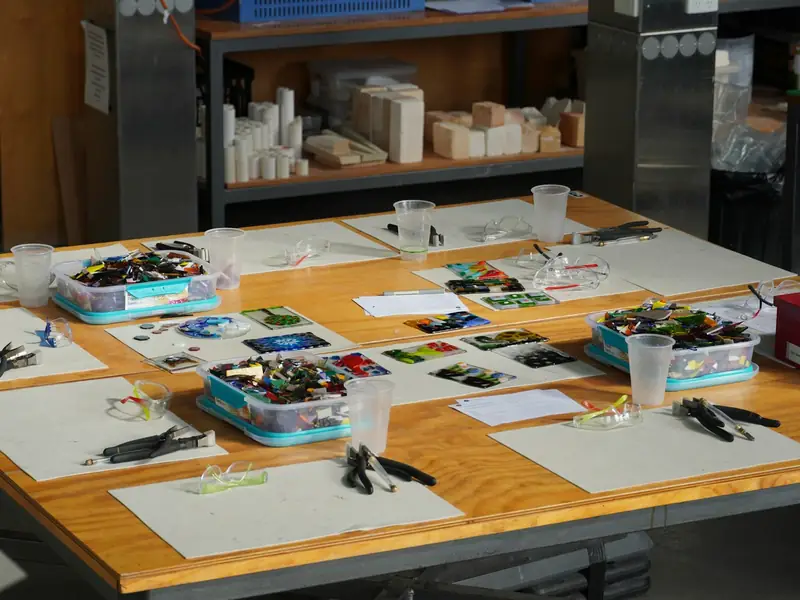
Workshops and classes
Attendees add the session to their calendar.
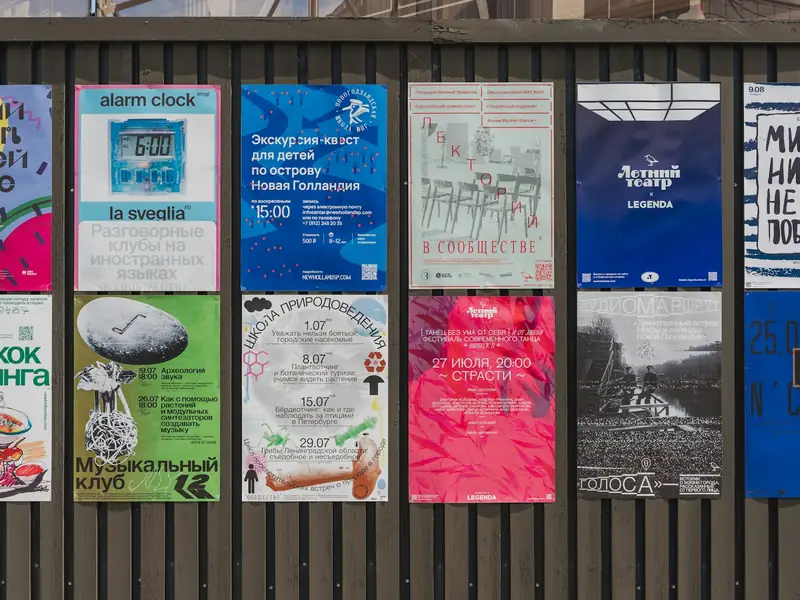
Launches
Put the date on every poster.
How to make a Event QR code
Enter the event name, start and end time, and the location.
Times are in your own time zone and show correctly for everyone.
Style the code and download it as PNG or SVG.
Event QR code questions
Which calendars does it work with?
The code uses the standard calendar format that Apple Calendar, Google Calendar and Outlook all read.
Can I change the date after printing?
No. The date and time are stored in the code, so a new date needs a new code.
Do I need an account?
No. You can make and download as many static QR codes as you like without signing up. A free account is only needed to save codes, organise them in folders, add a logo or make editable codes with scan tracking.
Do these QR codes expire?
No. A static QR code keeps everything inside the pattern itself, so it works for as long as you use it, with no watermark and no trial period.