
SMS QR Code Generator
Open a text message with your number and message already filled in.
- Free forever
- No signup
- No watermark
Where to use a SMS QR code

Opt-in campaigns
People text a keyword to join a list.
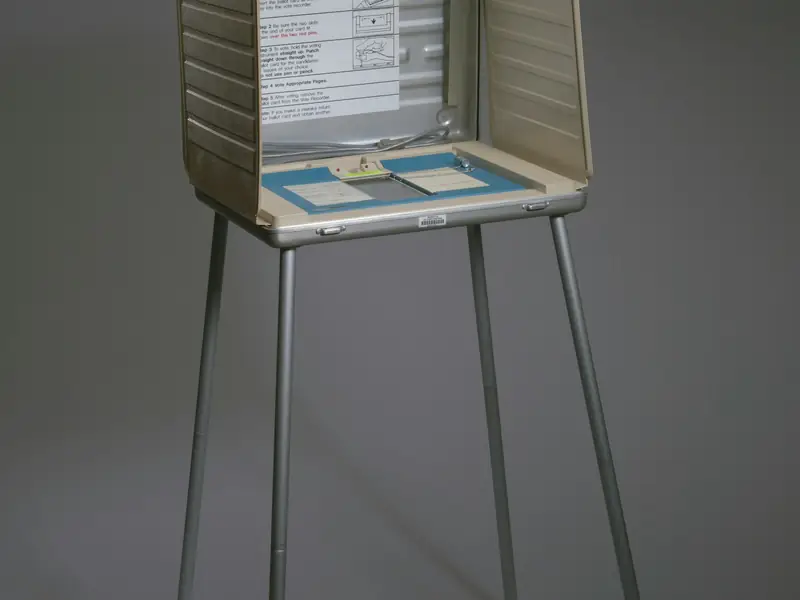
Polls and votes
Vote by sending one word.

Quick help
Message support from a sticker on a product.
How to make a SMS QR code
Enter the phone number that should receive the message.
Add the message text, for example a keyword like JOIN.
Style the code and download it as PNG or SVG.
SMS QR code questions
Does the message send automatically?
No. The messaging app opens with the number and text filled in, and the person presses send themselves.
Does it cost the person anything?
Their usual SMS rate from their carrier applies, the same as any text they send.
Do I need an account?
No. You can make and download as many static QR codes as you like without signing up. A free account is only needed to save codes, organise them in folders, add a logo or make editable codes with scan tracking.
Do these QR codes expire?
No. A static QR code keeps everything inside the pattern itself, so it works for as long as you use it, with no watermark and no trial period.