
Wi-Fi QR Code Generator
Guests scan once and join your network, no typing passwords.
- Free forever
- No signup
- No watermark
Where to use a Wi-Fi QR code

Cafés and restaurants
A table card instead of a password on the wall.
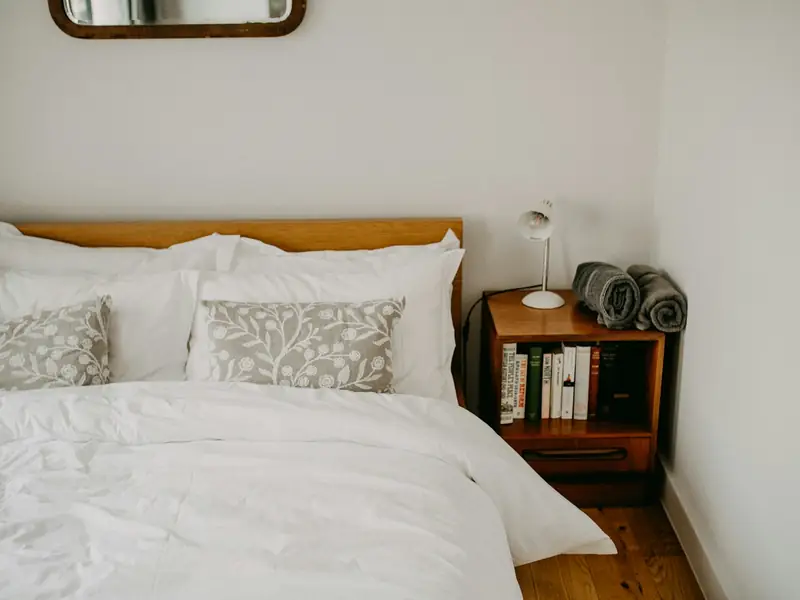
Rentals and guest rooms
Guests connect the minute they arrive.

Offices
A guest network sign at reception.
How to make a Wi-Fi QR code
Enter the network name exactly as it appears on your router.
Enter the password and choose the security type (usually WPA/WPA2).
Download the code and print it where guests can see it.
Wi-Fi QR code questions
Is my Wi-Fi password safe?
The password is stored inside the QR code, so anyone who can scan it can join your network. QRNerd does not keep a readable copy. Use a separate guest network if you don't want to share your main password.
What happens if I change the Wi-Fi password?
The old code stops working. Wi-Fi codes are always static, so you need to make and print a new one.
Does it work on iPhone and Android?
Yes. Recent iPhones and Android phones join Wi-Fi straight from the built-in camera app.
Do I need an account?
No. You can make and download as many static QR codes as you like without signing up. A free account is only needed to save codes, organise them in folders, add a logo or make editable codes with scan tracking.
Do these QR codes expire?
No. A static QR code keeps everything inside the pattern itself, so it works for as long as you use it, with no watermark and no trial period.