
YouTube QR Code Generator
Open your YouTube channel or a video from anything you print.
- Free forever
- No signup
- No watermark
Where to use a YouTube QR code
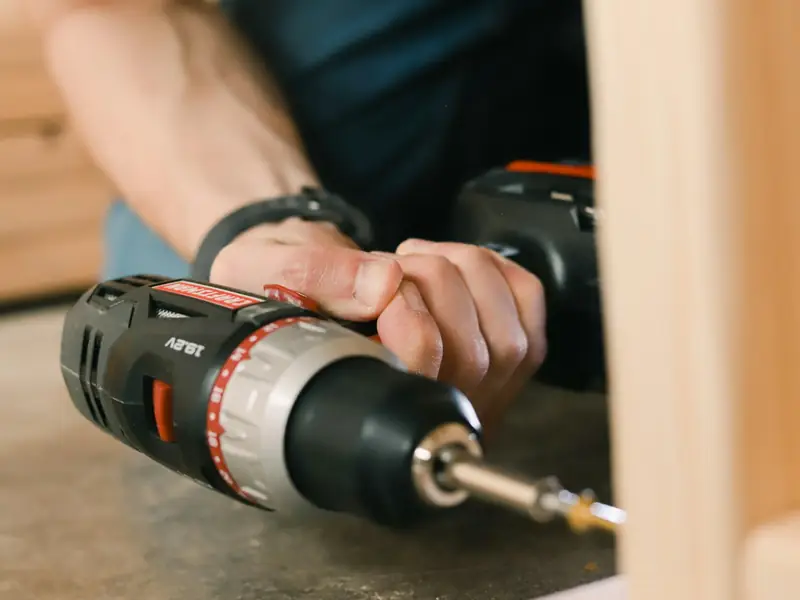
Manuals
A how-to video printed on the box.
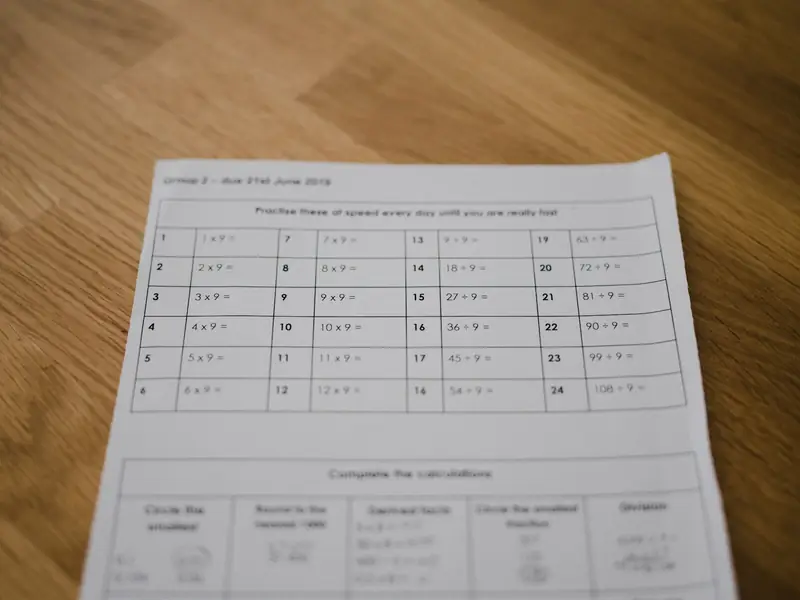
Lessons
Videos linked from a worksheet.

Music and merch
Your latest video on a poster or T-shirt.
How to make a YouTube QR code
Enter your channel handle or paste a channel or video link.
Check the resolved address shown under the field.
Style the code and download it as PNG or SVG.
YouTube QR code questions
Can I link to one video instead of my channel?
Yes. Paste the video link and the code opens that video.
Does it open the YouTube app?
On most phones the code opens the YouTube app if it is installed, or the browser otherwise.
Do I need an account?
No. You can make and download as many static QR codes as you like without signing up. A free account is only needed to save codes, organise them in folders, add a logo or make editable codes with scan tracking.
Do these QR codes expire?
No. A static QR code keeps everything inside the pattern itself, so it works for as long as you use it, with no watermark and no trial period.