
vCard QR Code Generator
Put your contact details in a code that saves to any phone in one tap.
- Free forever
- No signup
- No watermark
Where to use a vCard QR code
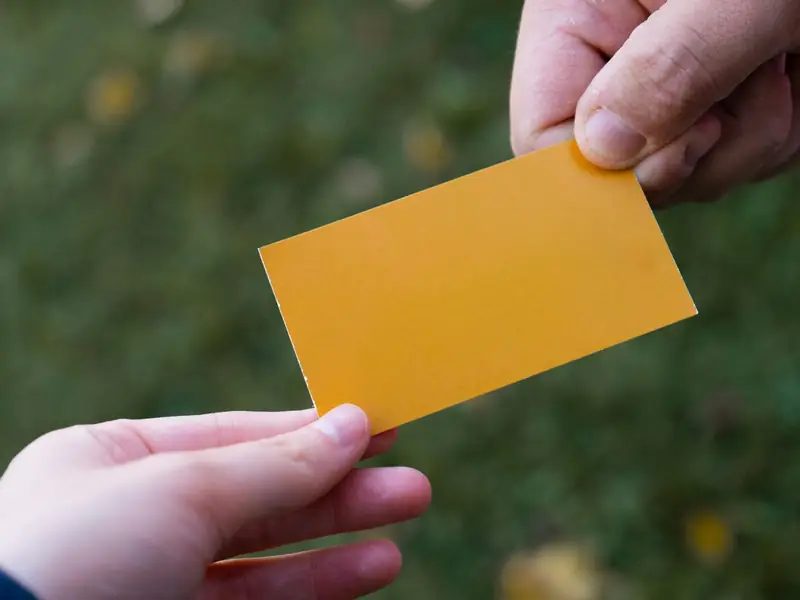
Business cards
Nobody has to type your number or email.
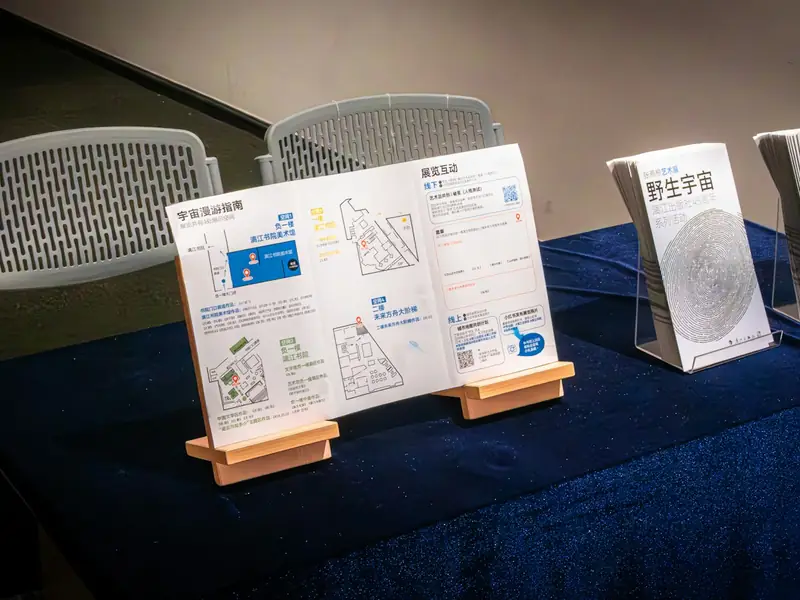
Events and trade shows
A badge that saves your contact.

Presentations
Your details on the last slide of a talk.
How to make a vCard QR code
Fill in your name and the details you want to share: phone, email, company, website.
Pick colours and shapes that match your card.
Download SVG for print or PNG for screens.
vCard QR code questions
What is a vCard?
It is the standard contact card format every phone understands. Scanning shows a 'Save contact' screen with your details filled in.
Can I update my details later?
Not on a static code: the details are stored in the pattern. Make a new code when your details change.
Do I need an account?
No. You can make and download as many static QR codes as you like without signing up. A free account is only needed to save codes, organise them in folders, add a logo or make editable codes with scan tracking.
Do these QR codes expire?
No. A static QR code keeps everything inside the pattern itself, so it works for as long as you use it, with no watermark and no trial period.