
Pinterest QR Code Generator
Open your Pinterest profile or a board from anything you print.
- Free forever
- No signup
- No watermark
Where to use a Pinterest QR code

Home and decor
Show the ideas behind a product.
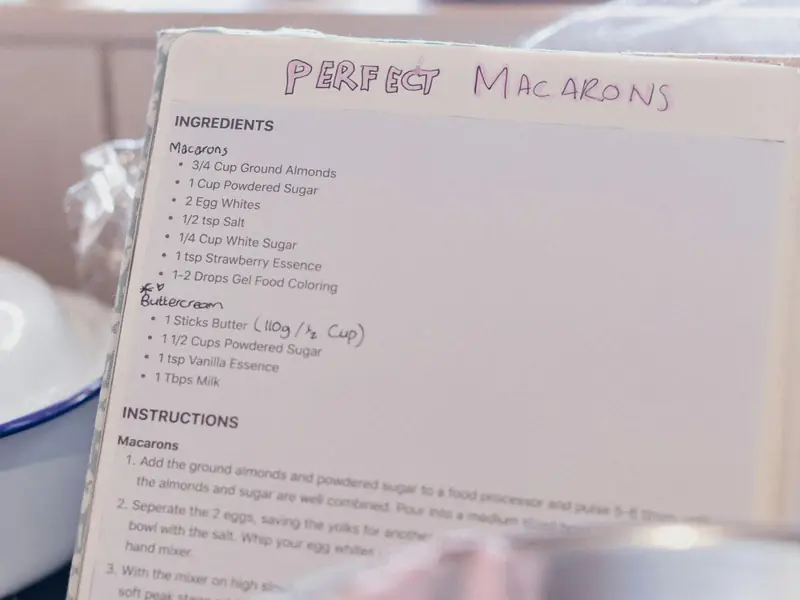
Recipes
A board linked from a recipe card.

Portfolios
Your work from a business card.
How to make a Pinterest QR code
Enter your Pinterest username or paste a profile or board link.
Check the resolved address shown under the field.
Style the code and download it as PNG or SVG.
Pinterest QR code questions
Can I link to one board?
Yes. Paste the board link and the code opens that board.
Username or link: which should I enter?
Either works. QRNerd turns a username or a pinterest.com link into the right address.
Do I need an account?
No. You can make and download as many static QR codes as you like without signing up. A free account is only needed to save codes, organise them in folders, add a logo or make editable codes with scan tracking.
Do these QR codes expire?
No. A static QR code keeps everything inside the pattern itself, so it works for as long as you use it, with no watermark and no trial period.