
Instagram QR Code Generator
Turn a scan into a follow: open your Instagram profile instantly.
- Free forever
- No signup
- No watermark
Where to use a Instagram QR code

Shop counters
Grow followers at the till.

Packaging
Ask buyers to tag you.
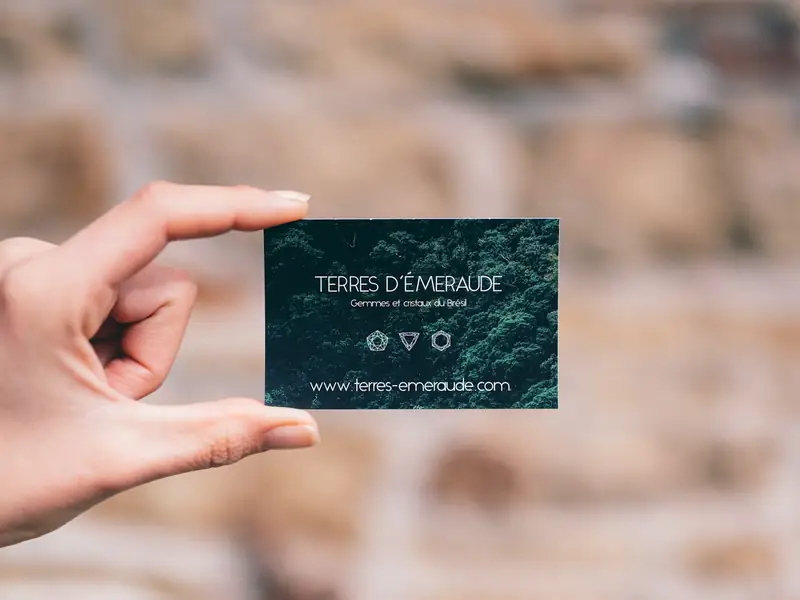
Business cards
Your profile without spelling it out.
How to make a Instagram QR code
Enter your Instagram username or paste your profile link.
Check the resolved address shown under the field.
Style the code and download it as PNG or SVG.
Instagram QR code questions
Username or link: which should I enter?
Either works. QRNerd turns @yourbrand or an instagram.com link into the right profile address.
Can I link to a single post?
This code opens your profile. Use a URL code to link to a specific post.
Do I need an account?
No. You can make and download as many static QR codes as you like without signing up. A free account is only needed to save codes, organise them in folders, add a logo or make editable codes with scan tracking.
Do these QR codes expire?
No. A static QR code keeps everything inside the pattern itself, so it works for as long as you use it, with no watermark and no trial period.