
URL QR Code Generator
Send people straight to your website, menu or online shop from anything you print.
- Free forever
- No signup
- No watermark
Where to use a URL QR code
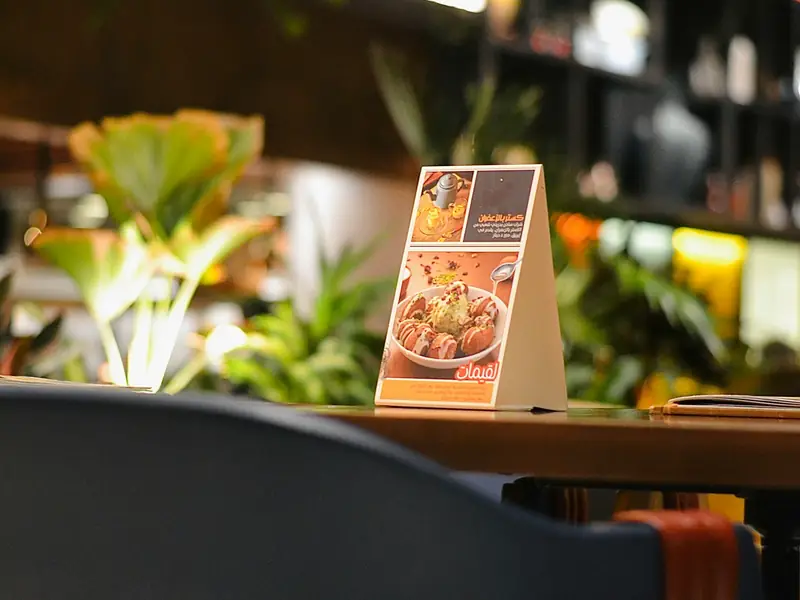
Menus
Point diners to an online menu that you keep up to date.

Posters and shop windows
Open your online shop or a campaign page from print.
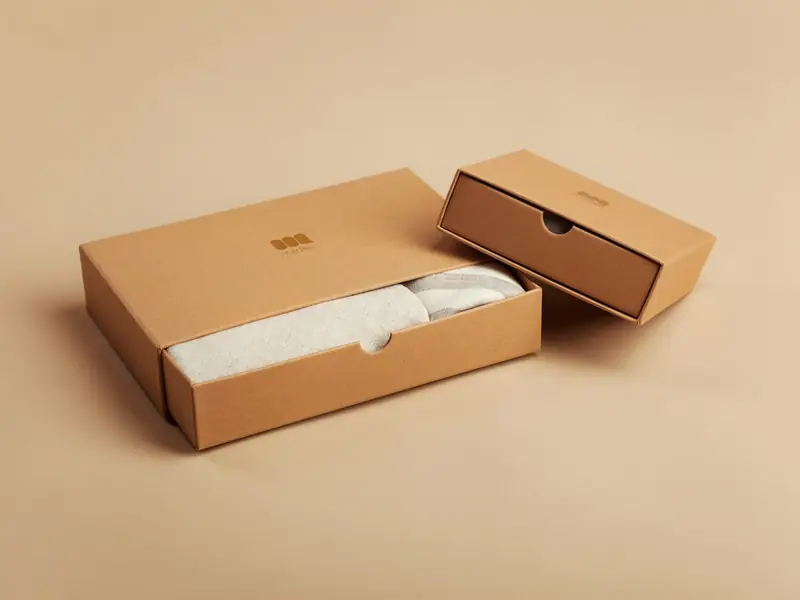
Packaging
Link to setup guides, care instructions or warranty pages.
How to make a URL QR code
Paste the full web address, starting with https://.
Pick colours and a module shape. Dark on light scans best.
Download PNG or SVG and test it with your phone camera before printing.
URL QR code questions
Can I change the link after printing?
Not on a free static code: the address is stored in the pattern itself. A free account lets you make a dynamic code whose destination you can change later without reprinting.
Why should the address start with https://?
Phones open the exact address in the code. Including https:// makes sure it opens as a web page and over a secure connection.
Do I need an account?
No. You can make and download as many static QR codes as you like without signing up. A free account is only needed to save codes, organise them in folders, add a logo or make editable codes with scan tracking.
Do these QR codes expire?
No. A static QR code keeps everything inside the pattern itself, so it works for as long as you use it, with no watermark and no trial period.