
Google Form QR Code Generator
Open your Google Form so people fill it in on their phone.
- Free forever
- No signup
- No watermark
Where to use a Google Form QR code
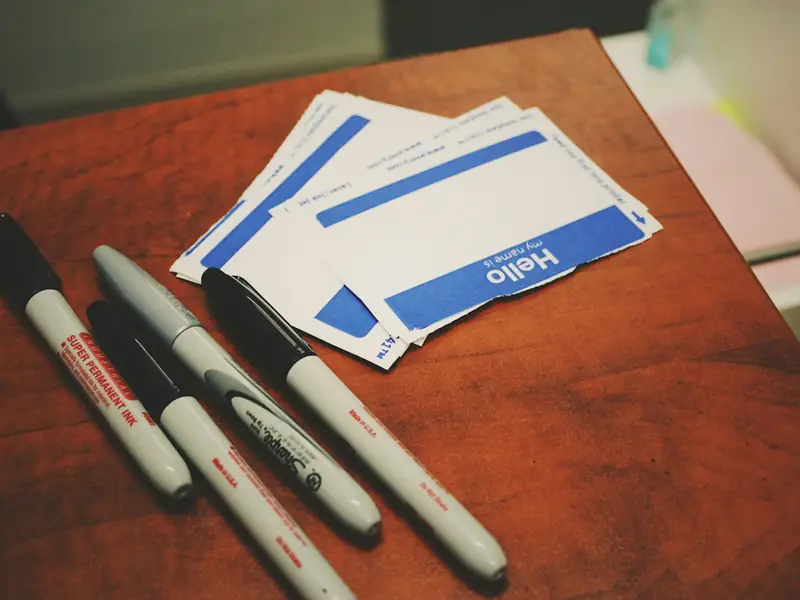
Registrations
Sign-ups at the door.
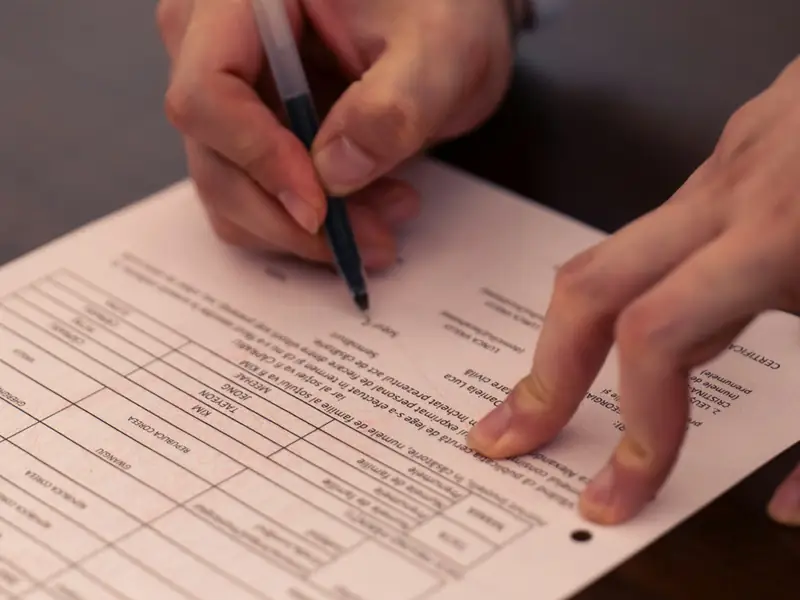
Surveys
Feedback after a class or event.

Attendance
Check-in at a meeting or session.
How to make a Google Form QR code
Paste your form's link (docs.google.com/forms or forms.gle).
Make sure the form accepts responses from anyone with the link.
Style the code and download it as PNG or SVG.
Google Form QR code questions
Which links can I use?
A docs.google.com/forms link or a forms.gle short link. Links to other sites are rejected so the code always opens your form.
Will the code still work if I edit the form?
Yes. Editing questions keeps the same form link, so the printed code keeps working.
Do I need an account?
No. You can make and download as many static QR codes as you like without signing up. A free account is only needed to save codes, organise them in folders, add a logo or make editable codes with scan tracking.
Do these QR codes expire?
No. A static QR code keeps everything inside the pattern itself, so it works for as long as you use it, with no watermark and no trial period.